iClicker gives instructors a simple way to check comprehension, spark discussion, and track engagement using the materials they already teach with. No new prep. No disruption. Just better learning moments.
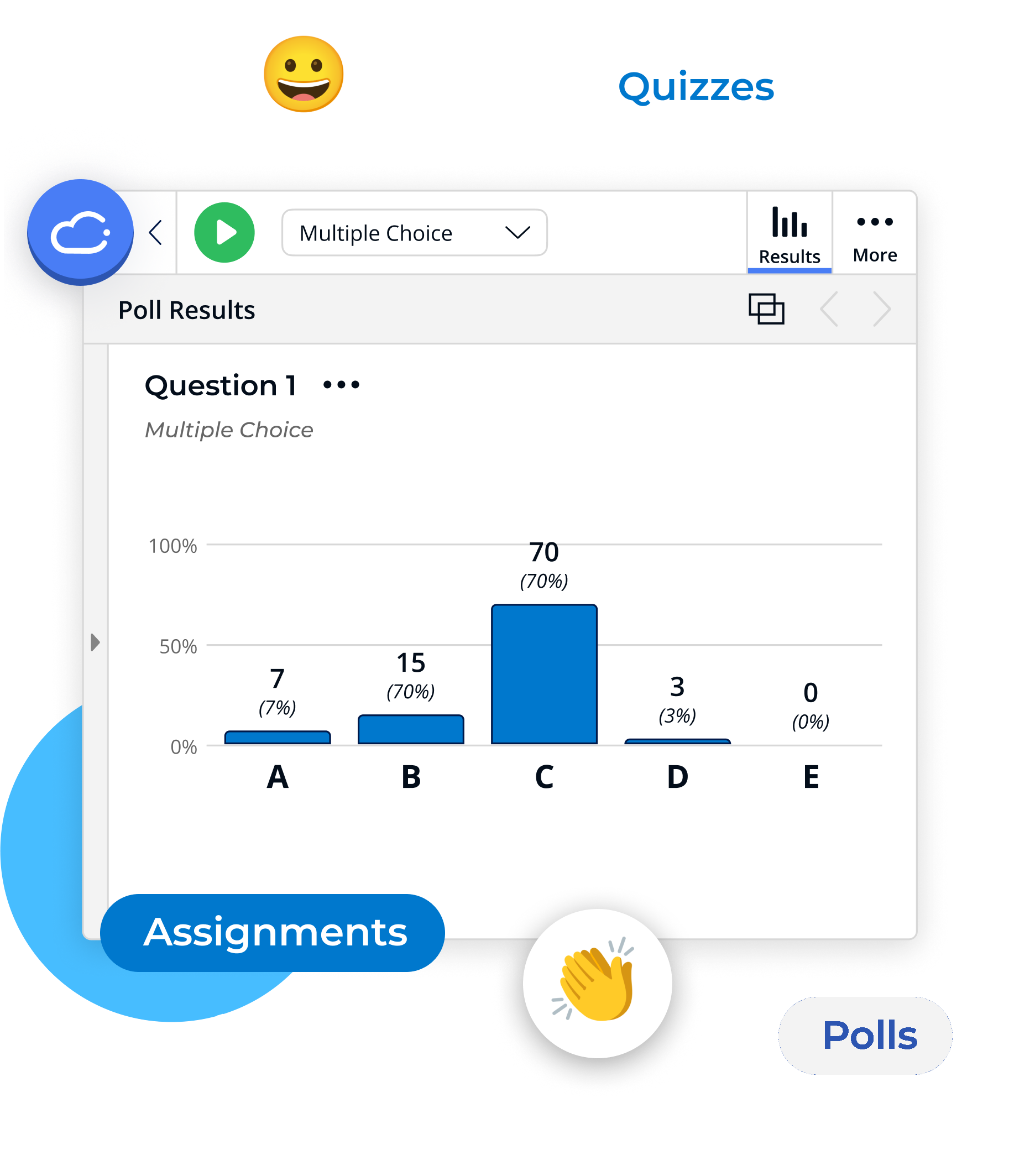
Built for How You Teach
iClicker works for large lectures, small group discussions, and everything in between.

Large Lecture
Take Attendance: Use geolocation or scheduled check-ins in the iClicker app to track attendance at scale, without slowing down the start of class.
Keep Focus and Drive Engagement: Use Focus mode to reduce distractions, then launch polls and reactions to keep students participating in large lectures.
Assess Learning: Review live responses and confidence ratings to spot misconceptions early and adjust instruction while students are still engaged.

Online/Hybrid
Extend Engagement Beyond Class Time: Use Assignments to pose questions about posted lecture videos or materials. Students can respond at their own pace and stay engaged outside scheduled class time.
Prepare Students for Class: Use pre- or post-class Assignments to reinforce key topics and check comprehension before your next class.
Support Disconnected Learners: Use confidence checks and participation data to identify students who may be falling behind or disengaged and follow up early.

Small Seminar
Spark Discussion: Use quick polls, open-ended prompts, or live reactions to kick off conversation and invite every student to participate.
Facilitate Group Work: Create small groups with shared questions to encourage collaboration and peer-to-peer learning.
Check For Understanding: Use confidence ratings and live feedback to gauge student thinking and adjust your approach on the spot.
What Educators Say about iClicker
“”
Biology InstructorCabrillo College
“I love using them at the beginning of class to review content but also to gauge prior knowledge, I’ve received excellent feedback from students and evaluators on their use, they are fantastic for formative assessment while covering new content and allow me to adjust my teaching in real time!”
“”
History InstructorBoise State University
“iClicker is ideal for attendance in my large classes. My course is very interactive, and the use of polling is essential for gauging student understanding, giving feedback, and understanding their views on the content presented.”
“”
Engineering InstructorColorado School of Mines
“In my class, iClicker gives every student an opportunity to respond to concept-check questions and share their learning anonymously. This approach helps students take ownership of their learning, and the post-poll discussions provide a great way to clarify misunderstandings and deepen conceptual understanding.”
“”
Economics InstructorDutchess Community College
“It helps me have a measure to be part of my otherwise subjective class participation portion of the course grade. However, even more importantly, it helps me make sure the level of understanding I think they have is accurate (sometimes they understand better than I would have expected: so I move on, sometimes worse: so I slow down).”
What iClicker Can Help You Do Better
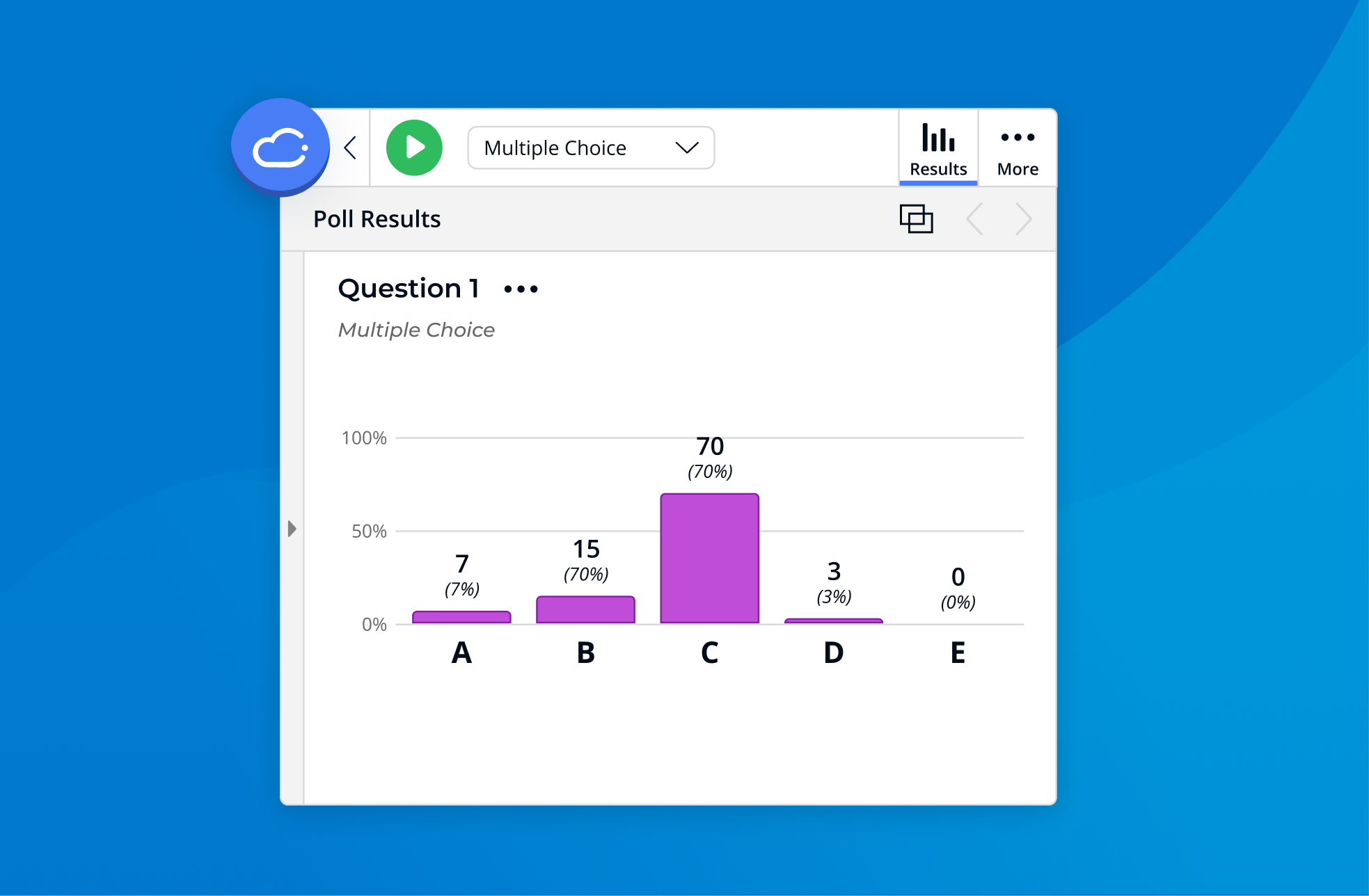
Keep a Pulse on Your Class
Launch a quick poll or confidence check and adapt your lesson in real time. Track participation, comprehension, and attendance trends to see what’s landing and where to go next.

Support Affordable Learning
iClicker offers affordable pricing options and supports engagement without adding financial strain. Plus, iClicker is free for students when used with an Achieve course.

Take Back Your Time
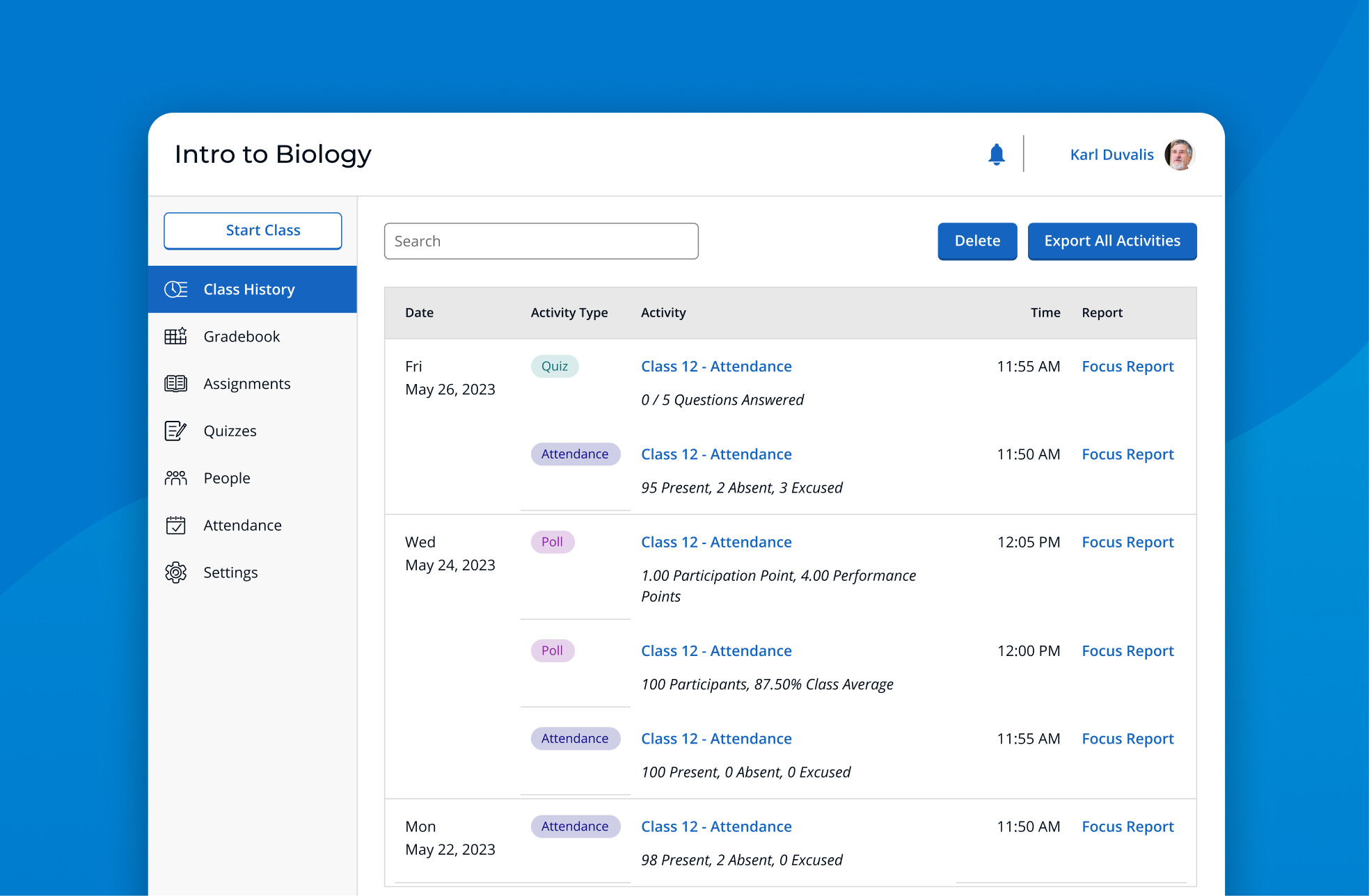
Streamline attendance tracking, sync grades, and connect with your LMS and Achieve courseware. Spend less time managing tools and more time teaching.
Foster Inclusive, Low-Pressure Participation
Use anonymous polls, real-time reactions, and open-ended prompts to create a learning environment where every student feels safe and confident contributing.
Keep Class Focused and On Track
Use Focus mode and check-ins to reduce distractions and support accountability without micromanaging.
Support Learning Beyond Class Time
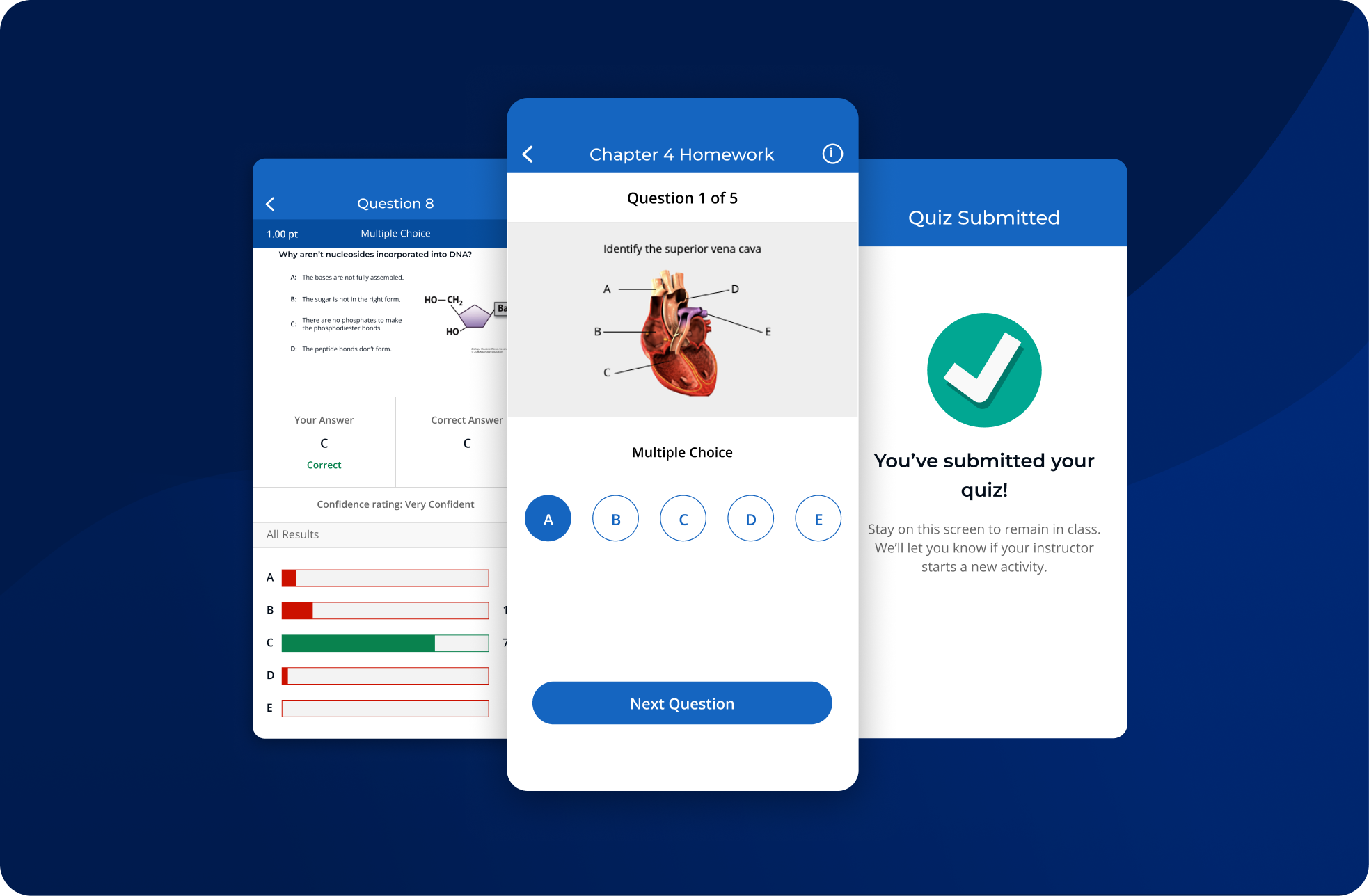
Use pre- and post-class questions and built-in study tools to reinforce key concepts and keep students engaged between sessions.

Use on Any Device, Anywhere
iClicker works across laptops, phones, and tablets—whether students are in class or learning remotely.
Accessible and Inclusive For All Students
WCAG 2.1 AA Compliant Apps
Web and mobile applications meet industry standards for digital accessibility.
Remotes with Braille and Large Buttons
iClicker remotes support visually impaired users with tactile labels and large buttons.
Remotes with Haptic and Visual Feedback
iClicker remotes vibrate and have LED indicators to assist colorblind and low-vision students.
Third-Party Audited
Accessibility audits are conducted by Allyant. VPATs available at iclicker.com/accessibility.
Security and Privacy You Can Trust
FERPA Compliance
iClicker safeguards student and instructor data in compliance with FERPA and all relevant regulations.
Data Privacy
Proud recipient of the 1EdTech TrustEd Apps badge for data privacy.
Secured Storage
Educational records are stored on secure regional servers, and data backups and geographical considerations for storage.
Security by Design
Security precautions are integrated throughout the development lifecycle.
Incident Response and Escalation Process
iClicker maintains a comprehensive escalation and Incident Response policy and process.
Ready to transform your classroom?
Join thousands of educators who are already seeing better engagement and outcomes with iClicker.
Frequently Asked Questions
How much does iClicker cost?
For instructors: iClicker is free to use! Create a free instructor account at any time.
For students: iClicker offers affordable pricing options and supports engagement without adding financial strain. Plus, iClicker is free for students when used with an Achieve course.
iClicker also offers Departmental and Institutional Site License options, allowing institutions to purchase iClicker access for students in a way that meets your needs and budget.
Visit the pricing page or contact your iClicker specialist for more details.
How does iClicker attendance work?
Instructors can streamline attendance tracking using geolocation (for in-person classes), scheduled check-ins, or manual start/stop. Students check in through the iClicker app, and records are automatically (or instantly) recorded in iClicker to allow both instructors and students to easily track their attendance history.
What devices can students use with iClicker?
iClicker works on laptops, smartphones, or tablets, and iClicker is effective across in-person, hybrid, and online classrooms. For instructors interested in a digital-free option, physical remotes are also supported and available.
Does iClicker integrate with my LMS?
iClicker integrates with most major LMS platforms, including Blackboard, Brightspace, Canvas, and Moodle. You can sync rosters, grades, and attendance using LTI or API connections. Find all your iClicker LMS questions here.
What can I use with iClicker?
iClicker works with whatever you’re already teaching with—PowerPoint, PDFs, videos, websites, or other apps. The floating toolbar lets you launch polls on top of anything you display, so you can ask questions in the moment without changing how you present.
Will my students know how iClicker works?
iClicker is designed to be simple and intuitive for students. They can join your session with a course code or QR code, and respond using their phone, tablet, or laptop. Most students are up and running in minutes, and optional in-app onboarding guides are available to walk them through the basics.
How does iClicker keep my students engaged?
iClicker makes participation simple and low-pressure, helping more students join in. Instructors can use polls, reactions, confidence checks, and open-ended prompts to spark discussion and check understanding. Anonymous responses and real-time feedback help create an inclusive environment where every student can contribute.
How do I invite students to my course?
The simplest way to invite students to your course is through Quick Join. Students can also manually search for and add your course in the iClicker student app.
Can I use iClicker with Achieve?
Yes! iClicker is included with most Achieve courses and can be easily integrated in your classroom. View our step-by-step guide on how to integrate an iClicker Cloud course with Achieve.