iClicker is always free for instructors to use. Create your account today to start engaging your students.
For students, iClicker is included at no extra cost in most Achieve courses, while other courses offer simple, affordable subscription and remote options. View full details in the student pricing section. Institutions and departments may also offer enterprise plans to lower costs, learn more about pricing for your specific institution by scheduling a call with an iClicker expert.
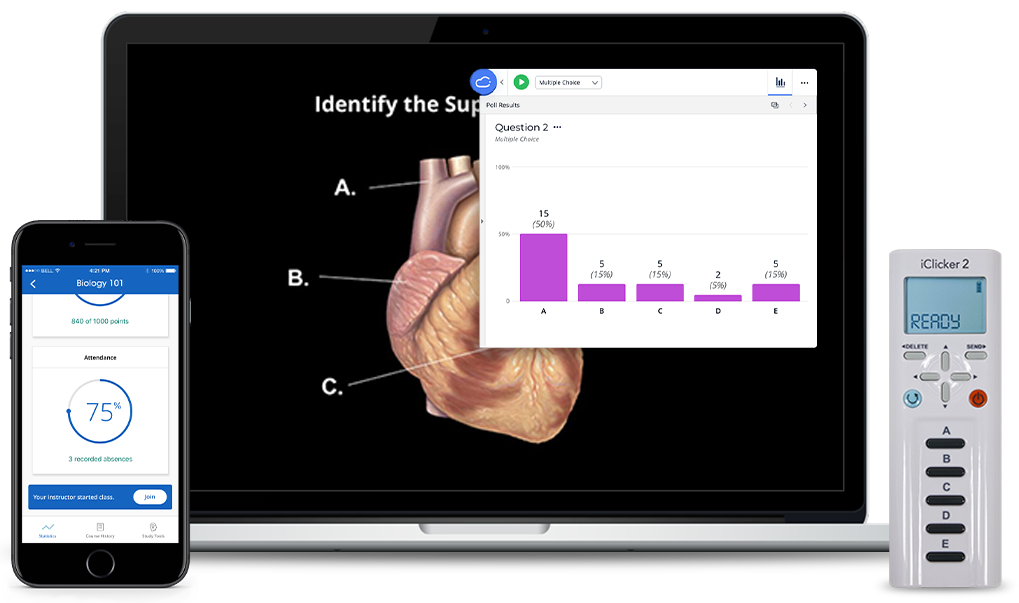
iClicker Pricing for Students
Compare iClicker access options, features, and pricing to determine the best fit for your course needs. For questions about subscription options, please visit the full FAQ.
💡 Students, your enrolled course determines which subscription, if any, is required. Please sign in to see what your course requires or visit the student getting started guide.
ATTENDANCE ONLY
iClicker Pulse
Best for taking attendance only
6 months $4.99
12 months $7.99
- Covers all eligible iClicker courses during subscription period
- Attendance tracking (in-person & virtual)
- Check-in validation through geolocation or Bluetooth proximity (Coming Soon)
- Auto-run class sessions
- Late-arrival tracking
FULL COURSE
iClicker Pro
Best for active learning & engagement
6 months $15.99
12 months $24.99
Everything in iClicker Pulse, plus:
- LMS Grade and Attendance Sync*
- Live polling and quizzing, including our AI question creator
- Assignments
- Study tools and practice materials
- Focus/distraction reports
- Group learning & emoji reactions
*Requires admin setup
Students, sign in to see what your course requires or visit the student getting started guide.
Prices shown are for U.S. customers. Contact us for international and partner pricing.
Student Remotes
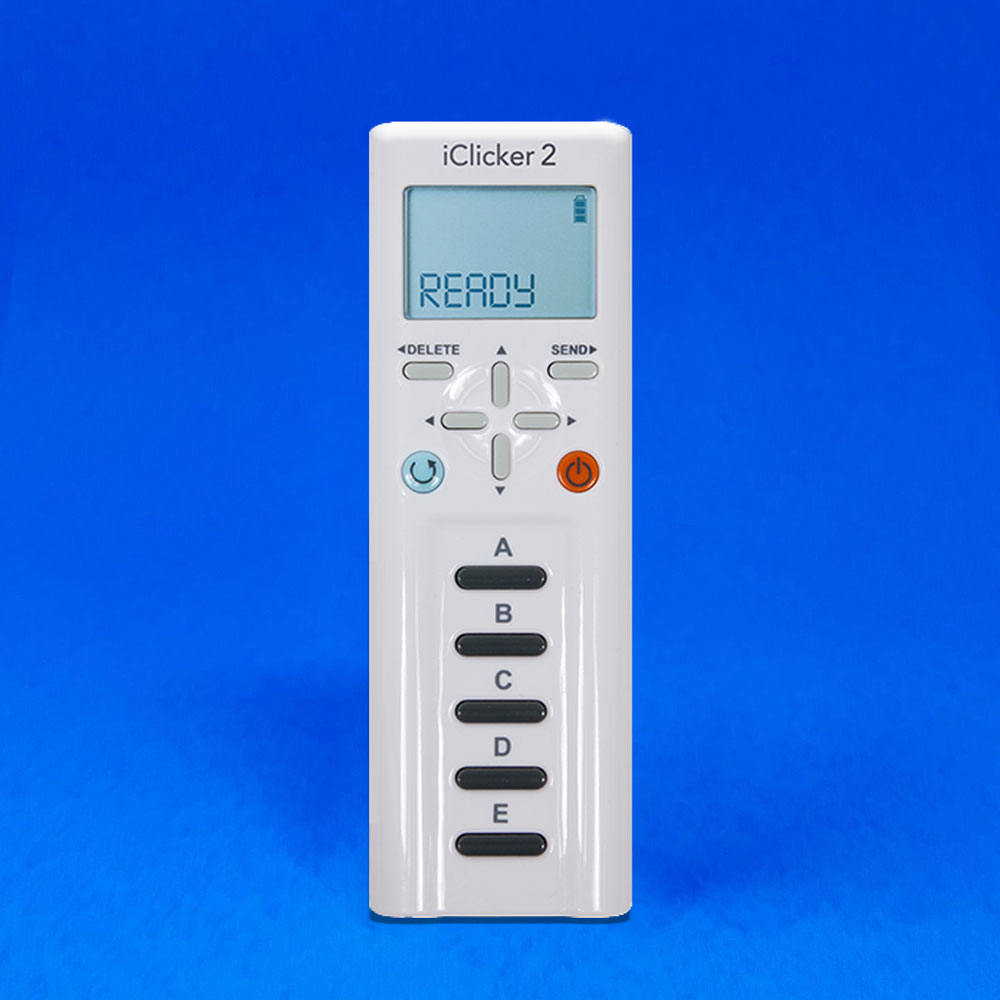
If your course requires a physical iClicker remote, students can purchase iClicker remotes from their campus bookstore or the Macmillan Learning Student Store.
iClicker 2
Enterprise Pricing
Departmental and Institutional Package Offerings
iClicker offers Departmental and Institutional enterprise plans designed to meet the specific needs of your students, allowing institutions to purchase iClicker access for students in a way that meets your needs and budget. Contact us for custom pricing details for your institution!
Frequently Asked Questions: iClicker Pricing and Student Subscriptions
How do students know what iClicker subscription to purchase?
An enrolled student’s course determines which iClicker subscription, if any, is required. Students can sign in to their iClicker student account to view the specific subscription requirements for their enrolled courses. Students should always confirm with their instructor before completing a purchase to ensure they are purchasing the correct option.
How do students purchase their iClicker subscription?
Students can see which subscription is required for their courses by signing in to their student account. Once signed in, students will see what subscriptions they need for their course and next steps. Students should always confirm with their instructor before making a purchase.
What if my institution is part of an affordable access program?
If your institution is part of an affordable access program (often referred to as inclusive access or equitable access), please contact your specialist for more information on pricing.
Is iClicker really free for instructors?
Yes! Instructors can create a free account at any time and start using iClicker immediately.
How do I set up iClicker with my course?
To get step-by-step instructions on how to set up iClicker for your course, visit the iClicker getting started guide. Instructors and students can explore how to set up iClicker for their course!
I have additional questions, can someone help?
Our iClicker specialists are here to answer any questions you have! You can find your specialist here and reach out directly to them.